# Create an INTMAX Account
## How to Create Account of INTMAX Network
Users can create an account by connecting to the website using MetaMask wallet and signing two messages. Supported wallets will be added continuously.
INTMAX accounts look different from Ethereum addresses, even when starting from the same Ethereum address. Always double-check which network you are targeting before submitting transactions.
**Mainnet**: A 95-character string starting with **i** (lowercase)
* Example: `i9bX5qzARYR7geR35g4K9972DB8fcWqPjNNgQnoGFViZaTLaSiKUTEd7geR35g4K9972DB8fcWqPjNNgQnoGFViZPctJYmE`
**Testnet**: A 95-character string starting with **T** (uppercase)
* Example: `T6ubiG36LmNce6uzcJU3h5JR5FWa72jBBLUGmEPx5VXcFtvXnBB3bqice6uzcJU3h5JR5FWa72jBBLUGmEPx5VXcB3prnCZ`
***
## Procedure
{% stepper %}
{% step %}
### **Click "Connect Wallet"**
Navigate to the INTMAX webpage and locate the "Connect Wallet" button. Click this button to initiate the connection process.
Connect Your Wallet
{% endstep %}
{% step %}
### **Select Your Preferred Wallet**
After clicking the "Connect Wallet" button, you will see a pop-up listing supported wallets. Choose your preferred wallet from this list. Make sure your wallet is officially supported to ensure a smooth experience.
Check for supported wallets here;
{% content-ref url="/pages/FBpCqBDBkDwlCwKSEJSJ" %}
[Supported Wallets](/intmax-privacy-mining/hidden-pages/supported-wallets.md)
{% endcontent-ref %}
Choose your wallet
{% endstep %}
{% step %}
### **Sign Two or Three Messages**
Once your wallet is selected and connected, two or three signing requests will appear sequentially in your wallet interface. Carefully follow the instructions provided by your wallet and approve all messages. These signatures confirm your identity and enable the creation of your INTMAX account.
**NOTE**: The third signature is required only when it's the first login with that address and you're using a wallet that is not supported.
{% endstep %}
{% endstepper %}
***
## **Generating Your INTMAX Account**
After successfully signing both messages, your unique INTMAX account address will be automatically generated. As already explained, unlike traditional Ethereum addresses, Intmax addresses are distinctly formatted.
An important point to remember is that your INTMAX address is directly linked to the Ethereum wallet you used during registration. This means that whenever you connect with the same Ethereum wallet, it will always generate the identical Intmax address, ensuring consistency across sessions.
***
## **Viewing Your INTMAX Address**
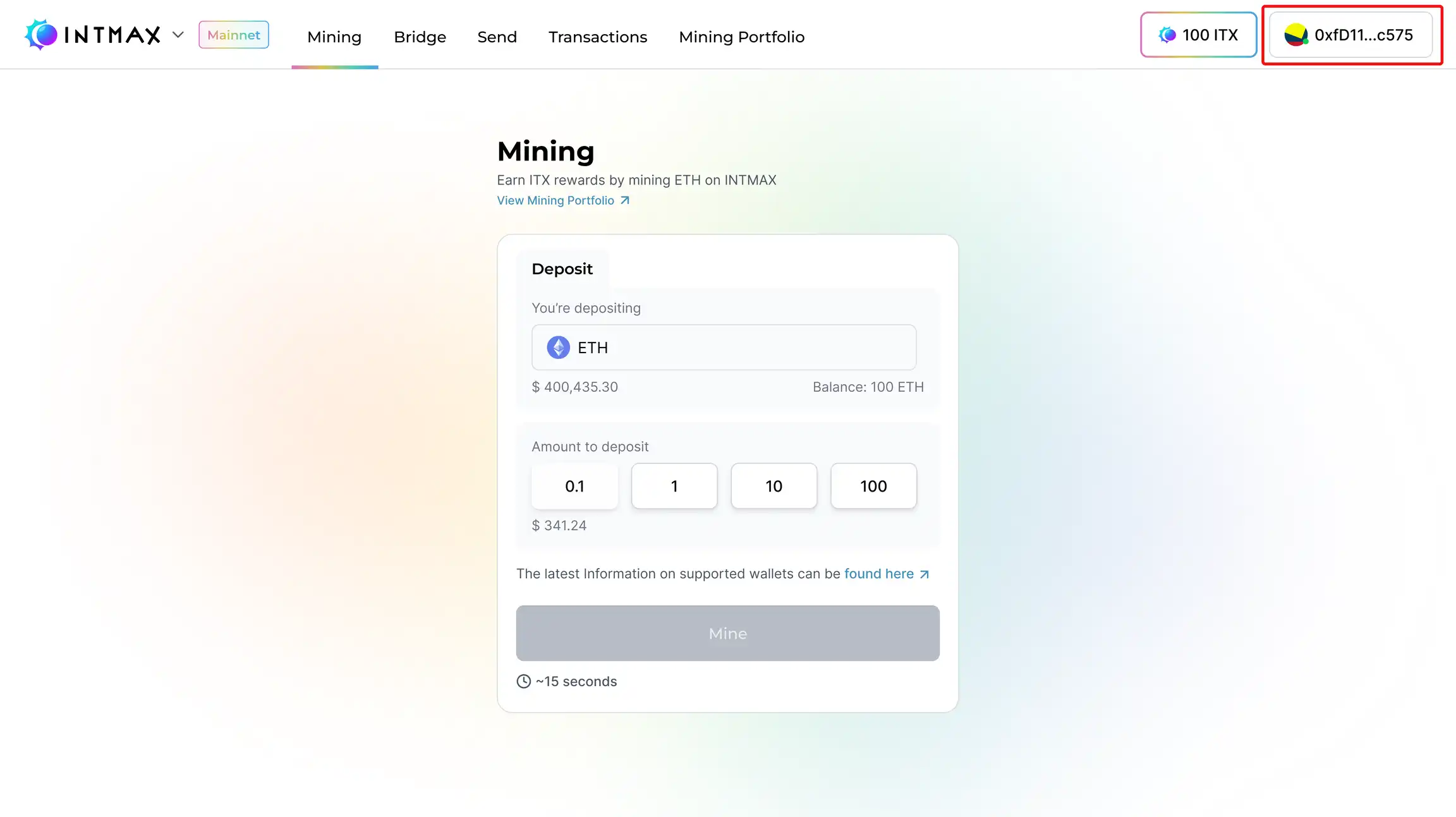
After signing the messages, you will be redirected to the INTMAX homepage. Here, you can view your newly created INTMAX address. Follow the steps below:
1. Click the Icon with your balance displayed at the top right of the screen.
***
2. A pop-up window will appear, showing both your Ethereum address and your INTMAX address.
{% hint style="info" %}
This approach allows easy access and verification of your INTMAX account details at any time.
{% endhint %}
---
# Agent Instructions: Querying This Documentation
If you need additional information that is not directly available in this page, you can query the documentation dynamically by asking a question.
Perform an HTTP GET request on the current page URL with the `ask` query parameter:
```
GET https://intmax-general.gitbook.io/intmax-privacy-mining/getting-started/create-an-intmax-account.md?ask=
```
The question should be specific, self-contained, and written in natural language.
The response will contain a direct answer to the question and relevant excerpts and sources from the documentation.
Use this mechanism when the answer is not explicitly present in the current page, you need clarification or additional context, or you want to retrieve related documentation sections.